 3DClothings
Unlimited Free3D PreviewNo Watermark
Free 3D Clothing Animation Mockups
Transform your clothing designs into realistic 3D walking or rotating mockups and export as high quality images, videos or GIFs.
Features
Animated clothing mockups in seconds!
Built for creators who want professional results without the learning curve.
No blender skill
No 3D software or modeling knowledge needed, make edits in simple real time preview editor.
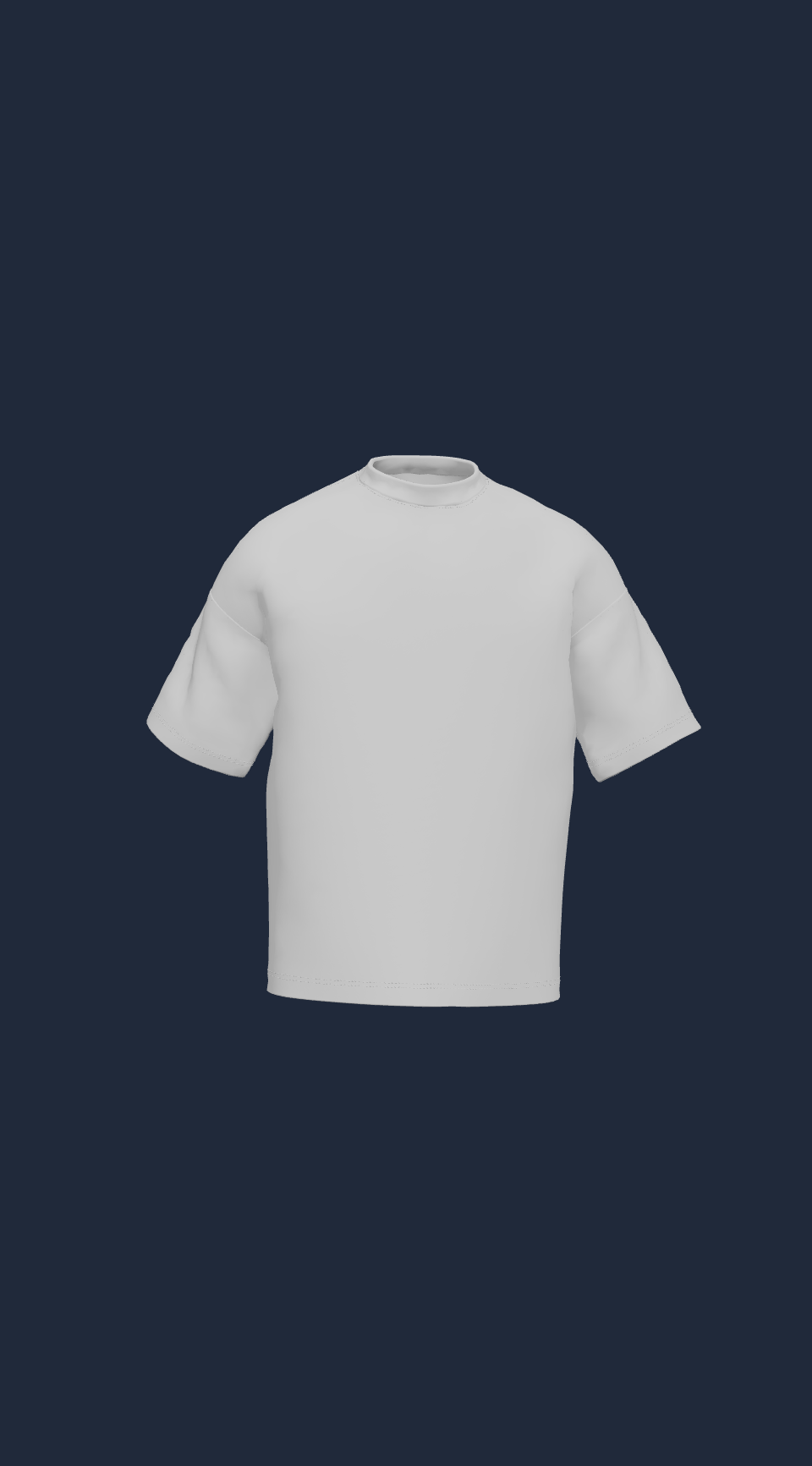
Photoreal 3D shirt
Rotate and inspect your design from every angle before you print a thing.
No long export
Export ready to use PNG, GIF, or MP4 files in seconds, not hours waiting for blender export.
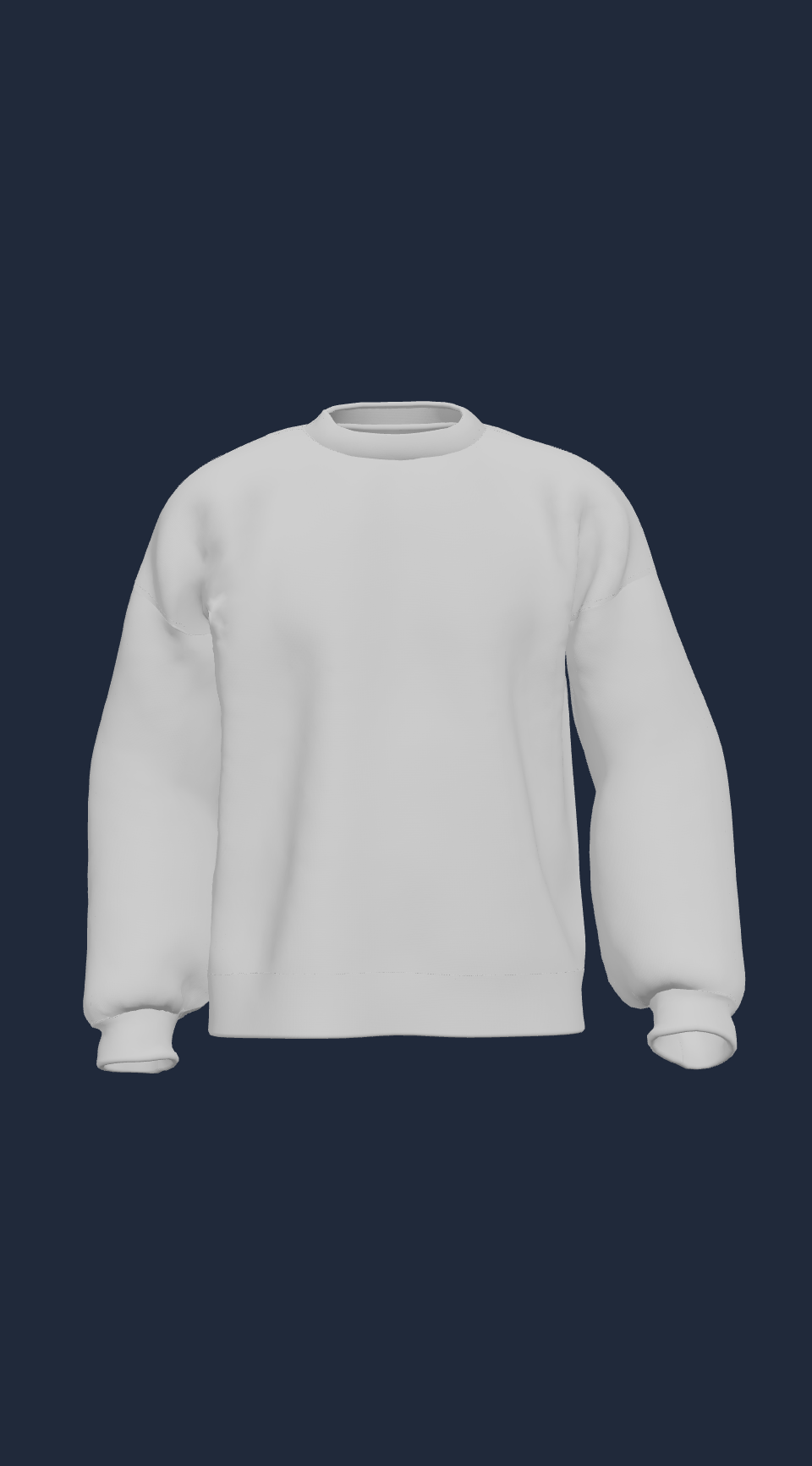
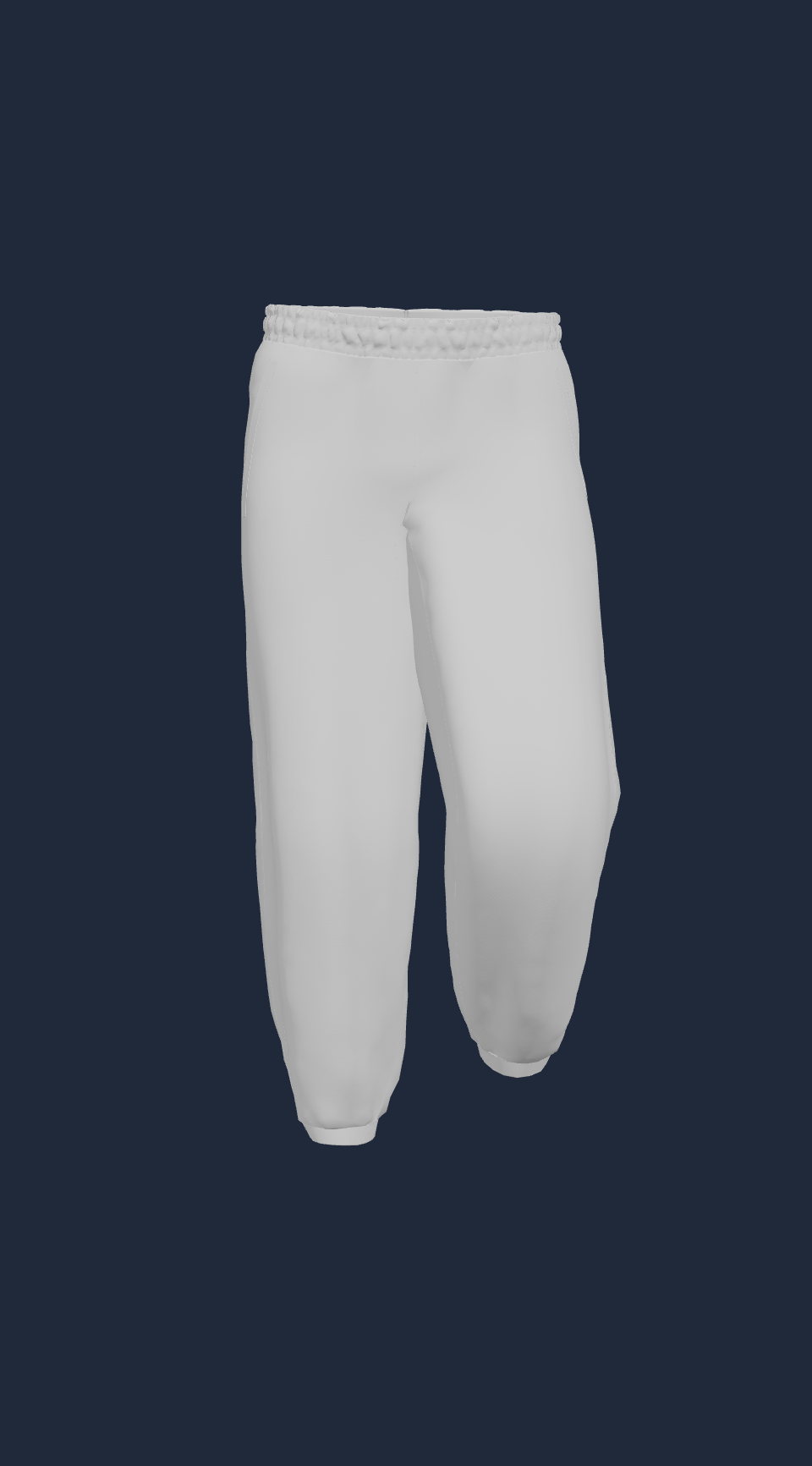
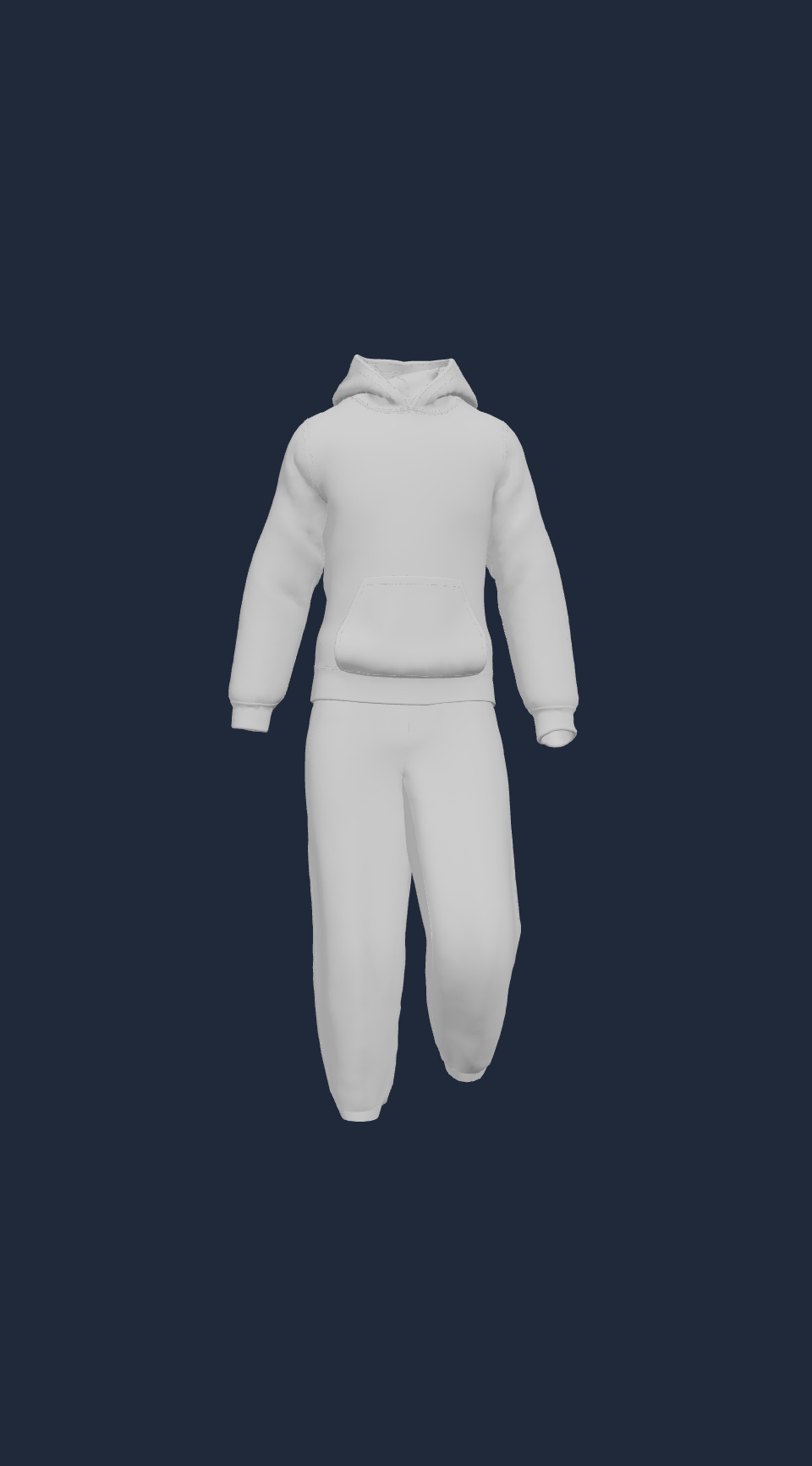
Design
Simple Design Edits
Drag and drop your artwork directly onto the 3D t-shirt. Use familiar controls to move, scale, and rotate your design until it looks perfect from every angle.
- Upload PNG or JPG artwork in seconds
- Position with drag, scale, and rotate tools
- See changes update live on the 3D model
Garments
Different Clothings
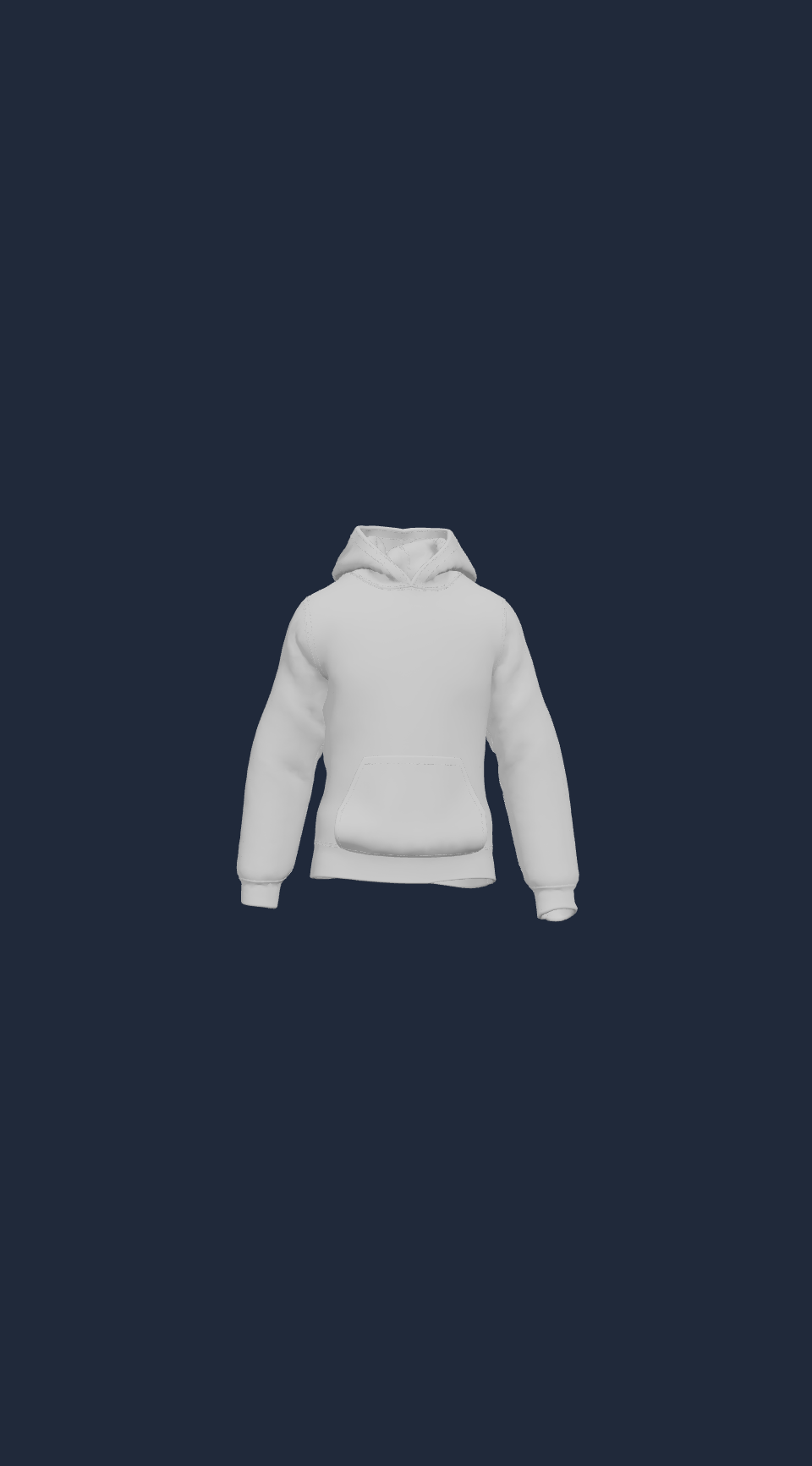
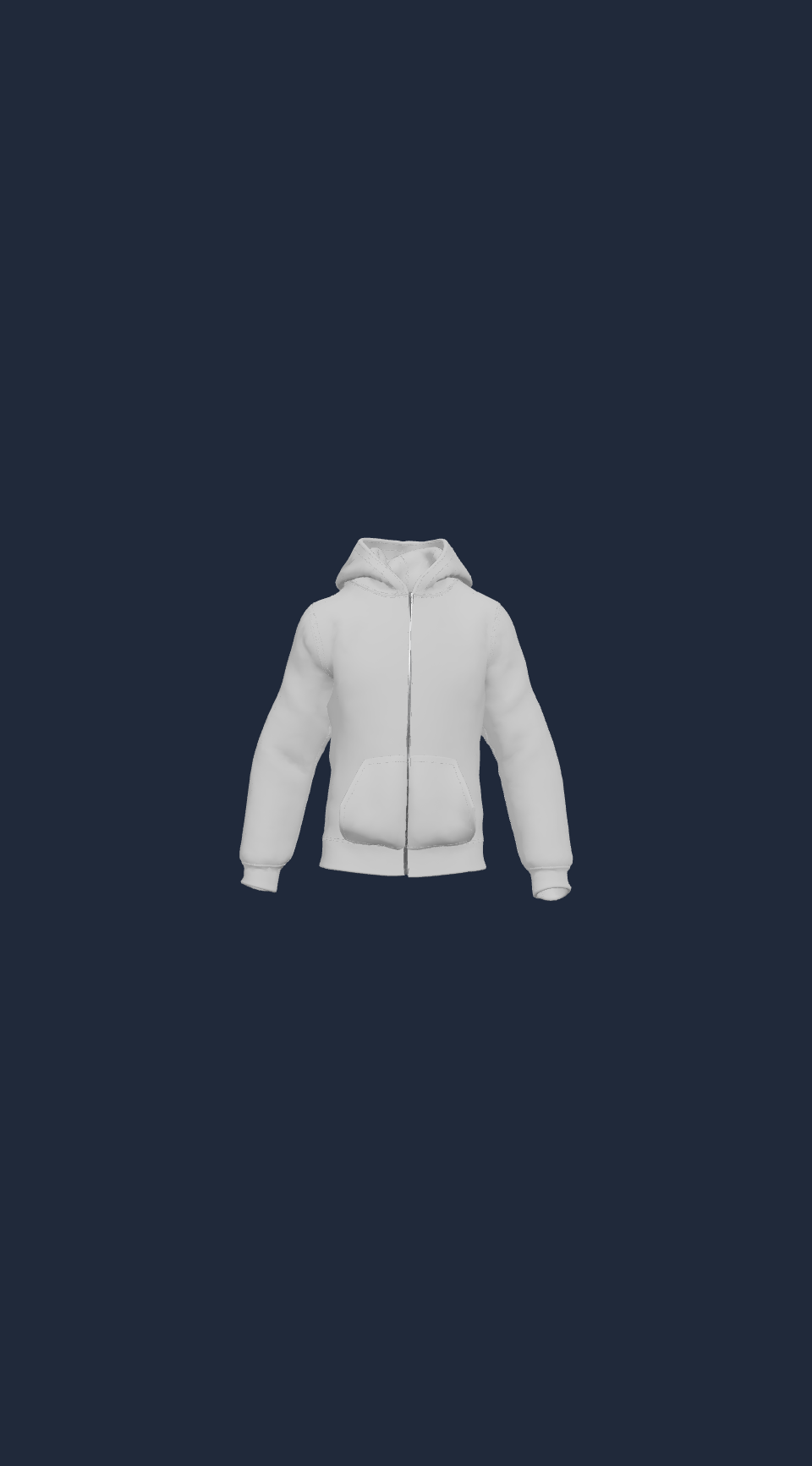
Choose from multiple garment types to find the perfect canvas for your design. From t-shirts to hoodies, pants, and more.
- T-shirt, hoodie, zip hoodie, sweatshirt, pants, and tracksuit
- Designs transfer automatically when you switch garments
- Each clothing type is optimized with its own 3D model
Background
Custom Backgrounds
Choose any background color to match your listing, storefront, or social feed. The 3D shirt stays crisp and shadows adapt naturally.
- Pick from curated color swatches
- Set a custom hex color for any background
- Export with transparent or solid background
Tutorial
Easy Tutorial
Learn how to create your first animated 3D clothing mockup in under a minute.
01
Open the generator
Choose a shirt color and set your preferred background.
02
Upload your design
Drag and drop your artwork onto the shirt, then position it.
03
Pick a motion
Choose Static, Rotation, or Walking animation to bring it to life.
04
Export your mockup
Download as PNG, MP4, or GIF in 16:9, 1:1, or 9:16 format.
FAQ
Frequently asked questions
Everything you need to know about creating 3D clothing mockups.